Bosch B20Cs Page 11
Workshop Manuals
1010
CONTENTS REMARKSCONTENTS REMARKS
4. “Refrig4. “Refrig
erator Set”erator Set”
button.button.
1) Temperature control of Refrigerator compartment1) Temperature control of Refrigerator compartment
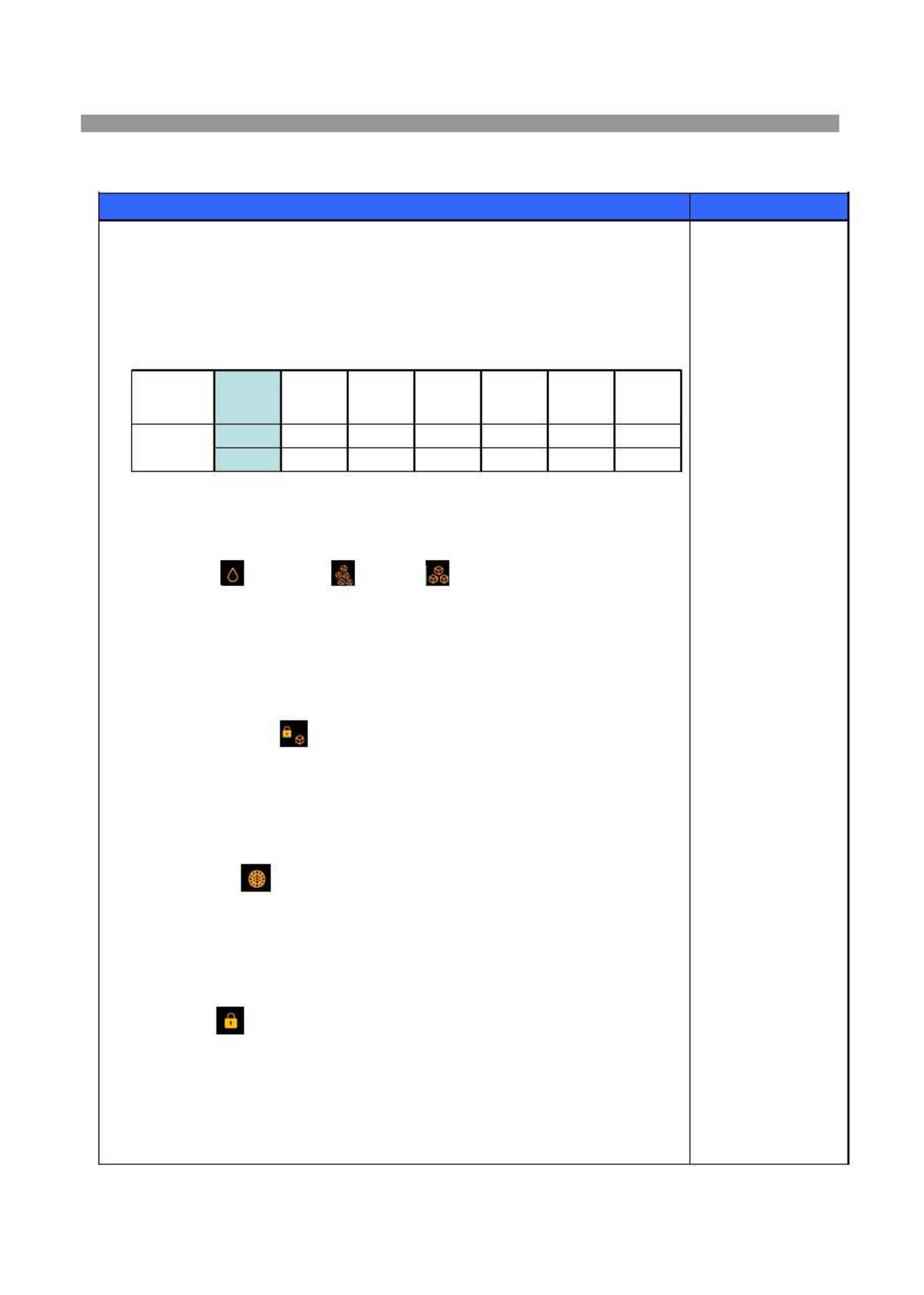
2) 7 step mode of successive temperature mode.2) 7 step mode of successive temperature mode.
3) Initial mode by power input : “393) Initial mode by power input : “39
℉℉
””
※※
Whenever pressing button, setting is repeated in the order ofWhenever pressing button, setting is repeated in the order of
(39(39
℉℉
))
→→
(37(37
℉℉
))
→→
(35(35
℉℉
))
→→
(33(33
℉℉
))
→→
(45(45
℉℉
))
→→
(43(43
℉℉
))
→→
(41(41
℉℉
).).
5. “Supe5. “Supe
r Cool”r Cool”
button.button.
When this mode is chosen, the icon (Super Cool) is ON.When this mode is chosen, the icon (Super Cool) is ON.
6. “Dis6. “Dis
penser”penser”
buttonbutton
1) 1)
Select Select
Water Water
/ /
Crushed Crushed
Ice Ice
/ /
Cubed Cubed
Ice Ice
..
2) Icon lights up to show your selection is on.2) Icon lights up to show your selection is on.
Initial mode by poweInitial mode by powe
r input : “Water”r input : “Water”
mode.mode.
3) The mode of Crushed Ice or Cubed Ice continues for 1 hour and then changes3) The mode of Crushed Ice or Cubed Ice continues for 1 hour and then changes
to Water. (Water icon turns ON)to Water. (Water icon turns ON)
7. “Ice Ma7. “Ice Ma
ker Lock”ker Lock”
buttonbutton
1) Start by pushing “Ice Make1) Start by pushing “Ice Make
r Lock”r Lock”
buttonbutton
①①
“Ice “Ice
Maker Maker
Lock”Lock”
icon icon
is is
onon
②②
“Water”“Water”
icon is alwicon is alw
ays onays on
2) Stop by pushing “Ice Maker Lock”2) Stop by pushing “Ice Maker Lock”
button agabutton aga
inin
①①
“Ice Make“Ice Make
r Lock”r Lock”
icon is officon is off
②②
“Water“Water
””
icon is icon is
onon
8. “Water Filte8. “Water Filte
r Reset”r Reset”
buttonbutton
1) 1)
The The
normal normal
(Icon (Icon
OFF) OFF)
is is
on on
for for
6 6
month month
after after
are are
first first
power power
input.input.
2) After six months, icon is ON.2) After six months, icon is ON.
3) How to reset Filter information3) How to reset Filter information
①①
Push the “Water Filter Push the “Water Filter
Reset”Reset”
button for 3 seconds button for 3 seconds
after change.after change.
9. 9.
“Lock”“Lock”
buttonbutton
1) This button stops operation of different button.1) This button stops operation of different button.
①①
“Lock”“Lock”
icon icon
is is
onon
②②
Press this button to lock out Press this button to lock out
this case and to keep this case and to keep
temperaturetemperature
andand
function setting.function setting.
2) Push “Lock”2) Push “Lock”
button again for more button again for more
than a second to than a second to
stop it.stop it.
※※
The actual inner temperature varies depending on the food status, as the indicated settingThe actual inner temperature varies depending on the food status, as the indicated setting
temperature is a target temperature is a target
temperature, not actual temperaturetemperature, not actual temperature
within refrigerator.within refrigerator.
※※
Refrigeration function is weak in the initial time.Refrigeration function is weak in the initial time.
Please adjust temperature as above Please adjust temperature as above
after using refrigeratorafter using refrigerator
for minimum2~3 days.for minimum2~3 days.
Letters are indicated on 88 Display LEDLetters are indicated on 88 Display LED
RefereRefere
nce :nce :
Please waitPlease wait
for 2-3 seconds in orderfor 2-3 seconds in order
to take to take
final ice final ice
or or
dropsdrops
of water when taking outof water when taking out
cup from the pressingcup from the pressing
switches after taking iceswitches after taking ice
or water.or water.
4141
℉℉
4343
℉℉
4545
℉℉
3333
℉℉
3535
℉℉
3737
℉℉
3939
℉℉
44
℃℃
powerpower
inputinput
(normal)(normal)
11
℃℃
3th3th
PressPress
(max)(max)
77
℃℃
4th4th
PressPress
(min)(min)
55
℃℃
6th6th
PressPress
66
℃℃
22
℃℃
33
℃℃
TempTemp
indicationindication
5th5th
PressPress
2nd2nd
PressPress
1st1st
PressPress
TemperatureTemperature
ChangeChange
Contents Summary of Bosch B20Cs
- Page 1
- Page 2CONTENTS 1. WARNINGS AND PRECAUTIONS FOR SAFETY ---------------------------- ------------------------------------------ ---------------- -- 2 2. EXTERNAL VIEW 2-1. External Size -------------------------- --------------- --------------------- -------------------- ---------------------- -------------
- Page 31. WARNINGS AND PRECAUTIONS FOR SAFETY Please observe the following safety precautions in order to use safely and correctly the refrigerator and to prevent accident and danger during repair. 1. Be care of an electric shock. Disconnect Disconnect power cord from wall outlet and wait for more than thr
- Page 42. EXTERNAL EXTERNAL VIEWS 2-1. External Size 3
- Page 52-2. Name of Each Parts (Model : B20CS50SN* B20CS50SN* ) 7 1 8 2 9 3 10 4 11 5 12 6 13 Freezer Freezer Comp artment Refrigerator Compartment 1. Ice cubes storage case 7. Water Filter 2. Freezer light 8. Dairy pocket 3. Water/Ice Dispenser 9. Refrigerator light 4. Freezer shelf 10. Refrigerator shelf
- Page 6(Model (Model : B20CS8 B20CS80SN 0SN*) *) 7 1 8 2 9 3 10 11 4 12 13 5 14 6 15 Freezer Freezer Comp artment Refrigerator Compartment 1. Ice cubes storage case 7. Water Filter 2. Freezer light 8. Dairy pocket 3. Water/Ice Dispenser 9. Refrigerator light 4. Freezer shelf 10. Shelf wire 5. Freezer pocke
- Page 72-3. Cold Air Circulation Freezer Refrigerator Compartment Compartment 6
- Page 83. SPECIFICATION Item Specification Model Name B20CS50SN* B20CS80SN* Total 572Li (20.19 ft3) 567 Li (20.01 ft3) Gross Volume Freezer 212 Li (7.48 ft3) 212 Li (7.48 ft3) (Li) Refrigerator 360 Li (12.71 ft3) 355 Li (12.53 ft3) External Dimension 903mm * 734.5mm *1790mm (Width * Depth * Height) Rated V
- Page 9Item Specification Model Name B20CS50SN* B20CS80SN* Defrost PBN-43 S E Freezer PT-38 N S O Refrigerator PBN-43B R Magic Cool Zone - PBN-43B Defrost AC115V / 192W H E Main Duct AC110V / 7W A T E Dispenser Box AC110V / 5W R Water Pipe AC110V / 5W Power cord AC125V 15A Fuse Temp (Defrost) AC250V , 10A
- Page 104. OPERATION AND FUNCTIONS 4-1. Display INPUT CONTROL OB J ECT Front PCB button Freezer Set , Refrigerator Set Super Freeze , Super Cool FCP C-LED Water Filter Reset , Dispenser , Ice Maker Lock ,Lock CONTENTS REMARKS Wate Waterr filt filter er res reset et Disp Dispen enseserr sele selectct but but
- Page 11CONTENTS REMARKS 4. “Refrigerator “Refrigerator Set” button. 1) Temperature control of Refrigerator compartment 2) 7 step mode of successive temperature mode. 3) Initial mode by power input : “39 ℉” ※Whenever pressing button, setting is repeated in the order of (39℉) → (37℉) → (35℉) → (33℉) → (45℉)